


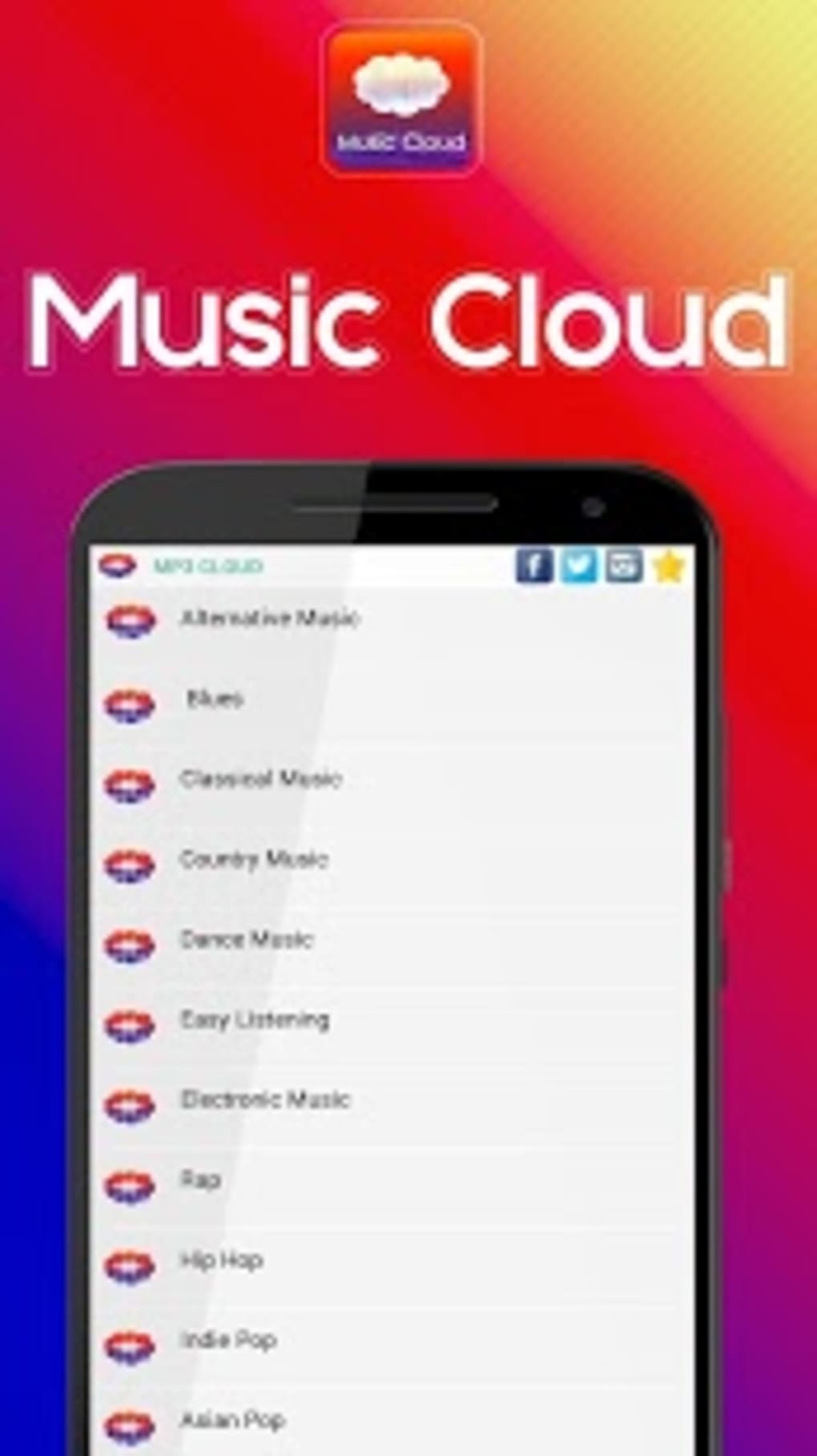
Description
Download Music Cloud Free Music Player APK – Free Music, Audio, Android, MP3, Music Player
Overview
Music Cloud Free Music Player is a free Android application designed for users seeking a straightforward way to play audio files on their mobile devices. Developed by M Box - Music & Audio, the app falls under the 'Audio' category and is intended for individuals who enjoy managing and listening to their personal music libraries. It supports Android 4.3 and above, making it accessible to a broad range of older and newer devices. The app allows users to stream or play local music files without requiring a subscription, positioning itself as a lightweight alternative to premium music services. It is particularly suited for casual listeners, students, and users who prefer offline playback without the need for cloud synchronization. The application is available in English, French, and Chinese, catering to a multilingual audience. While no advanced features like AI-based recommendations or social sharing are mentioned, the core functionality focuses on reliable audio playback. The developer did not provide additional details about the app’s background or development philosophy. Given its release date in March 2017, it reflects an earlier generation of Android music players that emphasize simplicity over modern integrations.
Key Features & Capabilities
- Local Music Playback – Users can access and play audio files stored directly on their Android device, including MP3, WAV, and other common formats.
- Multi-language Support – The app is available in English, French, and Chinese, enabling users from different regions to navigate the interface comfortably.
- Lightweight Design – With a download size of 23.8 MB, it is optimized for devices with limited storage capacity.
- Offline Access – No internet connection is required to play music, making it ideal for travel, commutes, or areas with poor connectivity.
- Simple User Interface – The layout prioritizes ease of use, allowing users to browse their music library and start playback with minimal effort.
These features are especially useful for users who want to manage their personal music collections without relying on cloud-based services. For example, a student might use the app to listen to study playlists during long bus rides, while a traveler could store and play audio recordings without incurring data charges. The absence of subscription models makes it a cost-effective choice for those seeking free music playback. The developer did not specify advanced capabilities such as equalizer settings, playlist creation, or file conversion. However, the core functionality remains focused on delivering a stable and accessible audio experience.
User Interface, Workflow & Performance
The user interface of Music Cloud Free Music Player is designed with simplicity in mind, featuring a clean layout that emphasizes accessibility. Navigation is likely based on a list or grid view of audio files, allowing users to browse their device’s music folders efficiently. The workflow is streamlined for immediate playback, reducing the number of steps required to start listening. While no specific details about animations, transitions, or touch responsiveness were provided, the app’s lightweight nature suggests it operates smoothly on devices with modest hardware. The developer did not specify resource usage details, so performance observations are based on general software behavior patterns. Stability is expected to be consistent for basic playback tasks, though long-term reliability under heavy usage remains unverified. The app does not appear to include background playback optimization, which may affect continuous listening during multitasking. Users should expect minimal lag during file loading, especially on devices with slower storage. The developer did not provide information on CPU or RAM consumption, so exact performance metrics cannot be confirmed.
Compatibility & System Requirements
Music Cloud Free Music Player is compatible with Android 4.3 and later versions, ensuring broad accessibility across a wide range of devices. The app’s installation size is 23.8 MB, which is relatively small and suitable for devices with limited storage space. This makes it a viable option for older smartphones or budget-friendly models. The developer did not specify exact hardware requirements, such as minimum RAM or processor speed. Compatibility information was partially provided, focusing only on the operating system version. No mention was made of tablet support or specific device models. Users should verify that their device meets the Android 4.3 requirement before installation. The app is distributed as an APK file, meaning it can be installed directly without using the Google Play Store, offering flexibility for users who prefer alternative app sources. However, this also means users must ensure the APK is obtained from a trusted source to avoid security risks.
Pros and Cons
Pros
- Free to download and use with no hidden costs
- Small file size (23.8 MB) ideal for low-storage devices
- Supports offline playback without internet dependency
- Available in multiple languages: English, French, and Chinese
- Simple interface suitable for users of all skill levels
Cons
- No advanced audio features such as equalizer or playlist management (if not included)
- Developer did not provide detailed system requirements or performance data
- APK distribution may pose security concerns if downloaded from untrusted sources
- Outdated release date (March 2017) suggests limited ongoing support
- Limited information on update frequency or future development
FAQ Section
Is Music Cloud Free Music Player available for iOS?
The app is specifically designed for Android devices and is not available for iOS.
Can I use this app without an internet connection?
Yes, the app supports offline playback, allowing users to play local music files without needing an internet connection.
How do I install the APK file?
Download the APK from a trusted source, enable "Install from unknown sources" in your device settings, and tap the file to begin installation.
Is the app safe to download?
The app was published on Softonic, a known platform for software downloads. However, since it is distributed as an APK, users should ensure the source is trustworthy to avoid potential security risks.
Does the app require a license or subscription?
No, Music Cloud Free Music Player is completely free to use with no subscription or licensing fees.
Final Thoughts
Music Cloud Free Music Player offers a no-frills solution for Android users who want to play their personal music files without cost or complexity. Its lightweight design, offline functionality, and multi-language support make it a practical tool for casual listeners and budget-conscious users. While the app lacks modern features and its development appears to have stalled since 2017, it remains functional for basic audio playback. The absence of detailed technical documentation and support updates raises concerns about long-term reliability. Still, for users seeking a simple, free music player without subscriptions, it presents a viable option. If you're looking for a straightforward way to enjoy your music library on Android, this app delivers on its core promise. Download Music Cloud Free Music Player now.
Guides & Tutorials for Music Cloud Free Music Player APK
How to install Music Cloud Free Music Player APK
- Click the Preview / Download button above.
- Once redirected, accept the terms and click Install.
- Wait for the Music Cloud Free Music Player APK download to finish on your device.
How to use Music Cloud Free Music Player APK
This software is primarily used for its core features described above. Open the app after installation to explore its capabilities.
User Reviews for Music Cloud Free Music Player APK 0
No reviews found





